

LIVE SPORTMade for
Made for
the edge of your seat.
Football, motorsport and more.
Check your events with our team.
ZIVOPLAY · START WITH YOUR SCREEN
From a Fire TV Stick to your everyday laptop, find a supported way to watch live TV and on-demand programmes. Check your model, follow a clear setup guide and try playback before choosing a plan.
✓ Free trial✓ No auto-renewal✓ Setup support
A free day to find your favourites.
HD to 4K, where available.
Choose a package that suits your plans.
Talk to us on WhatsApp or email.
FIND YOUR NEXT FAVOURITE
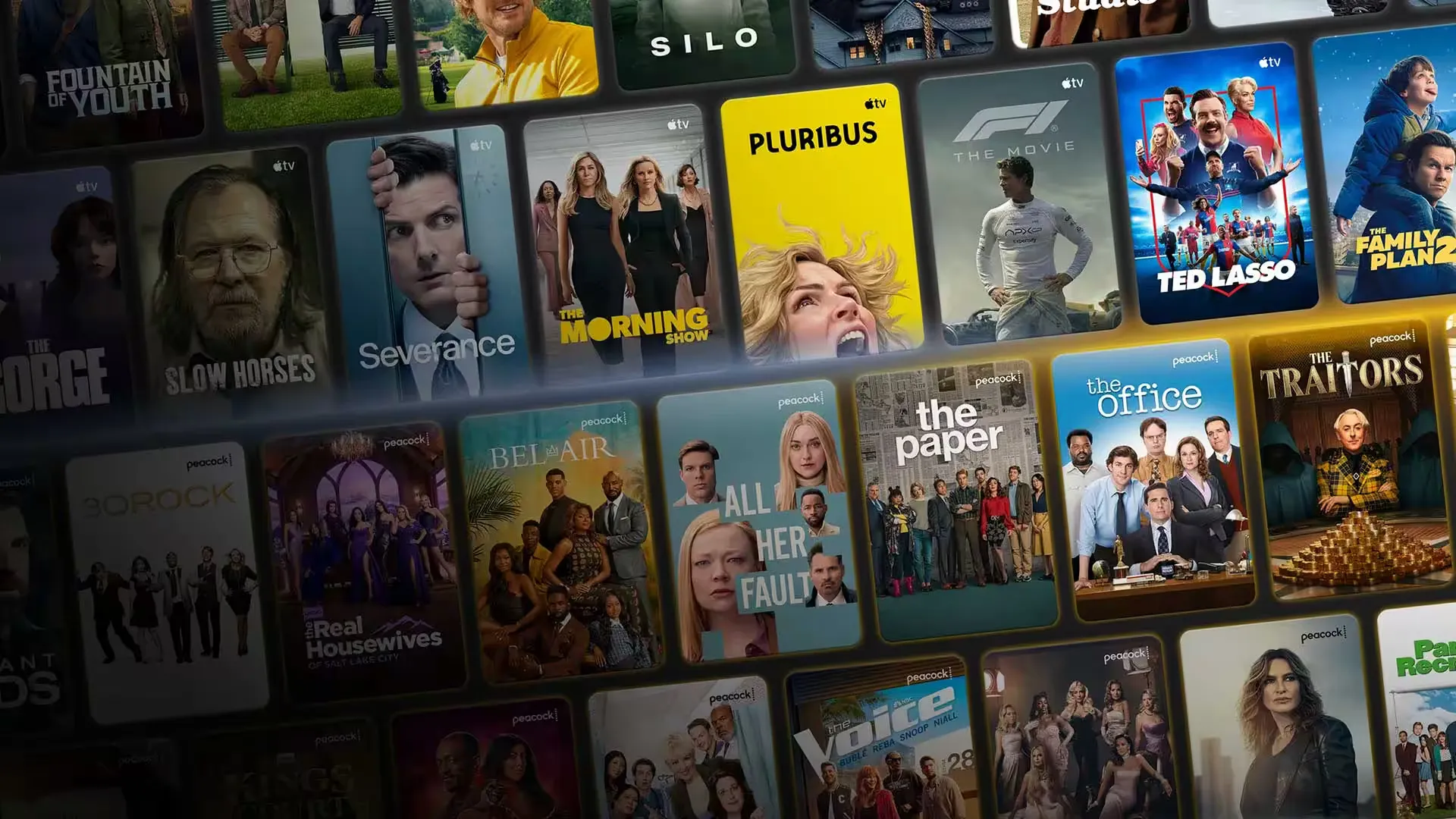
Once your player is connected, try several kinds of viewing. Check a live channel, explore the available film catalogue and test the controls you will use every day.
Ask for the current channel list ↗Football, motorsport and more.
Check your events with our team.


Artwork is illustrative. Ask for the current catalogue; channels, titles and picture quality vary by availability.
YOUR SOFA. YOUR PACKAGE.
Choose the time that suits you. Clear prices in pounds.
Pay once for your selected package.
A short, flexible start.
£13.99/ per month
One payment for the selected package.
Choose packageA season of viewing.
£23.99/ quarterly
One payment for the selected package.
Choose packageMore time to settle in.
£35.99/ semi-annually
One payment for the selected package.
Choose packageA full year of access.
£59.99/ per year
One payment for the selected package.
Choose packageAccess forever to your account.
£189.99/ one-time payment
One payment for the selected package.
Choose packageFour 12-month package periods.
£199.99/ 4 × 12 months
One payment for the selected package.
Choose packageAll prices in GBP. Third-party player fees, if any, are separate. Package details are confirmed with our team before payment.
Not sure yet? Try ZivoPlay free for 24 hours ↗
RIGHT AT HOME ON YOUR SCREEN
The model and operating system matter more than the brand on the box. Find the matching guide, check app availability and use the login method your player supports.
Find my setup guide ↗A familiar way to watch on your television. Tell us your Fire TV model and we’ll help you choose a compatible player.
Keep everything on your TV. Player availability depends on your model, its year and its app store.
Set up a compatible player on Android TV, iPhone or iPad. Check your device with us before subscribing.
Bring your viewing to a laptop or desktop with a supported internet TV player and your ZivoPlay login.
Compatible devices and package access are different things. Use a supported device of your choice and confirm the package details with our team before ordering.
FROM “HOW?” TO “WHAT’S ON?”
Have your device model and player name ready. We provide M3U and Xtream Codes details, and can help you match them to the fields on your screen.
Get my free trialRequest a trial and share your device model. Ask about the UK channels, sports and programmes you want.
Receive your login details and guidance for a compatible player. Our team can help if you get stuck.
Try it on your own connection, at your usual viewing time. Choose a plan when you’re happy with it.
ZIVOPLAY · START WITH YOUR SCREEN
Get the basics right before installing extra apps or replacing a working device.
Check the device settings for its model and operating system. Similar-looking televisions can run different software and have very different app stores.
Use the guide for your platform to check a suitable player. Confirm its publisher, supported login formats and any separate licence fee before installing.
Use either your complete M3U link or the separate Xtream Codes fields. Copy the server address carefully and keep account credentials private.
Let the channel list load and check picture, sound and navigation. If something fails, note the exact error and device details before reinstalling or resetting.
A FEW THINGS WORTH KNOWING
Everything from your first internet TV subscription to watching on a second screen.
Ask us something else ↗Internet TV delivers television over your internet connection. With ZivoPlay, you receive login details to use in a compatible internet TV player on your TV, streaming stick, phone or computer. You need your own broadband connection and a supported device.
Yes. Request a free 24-hour trial through WhatsApp or email. Tell us which device you use and which channels matter to you, so we can confirm availability and help with setup. Try it during your normal viewing hours before choosing a paid plan.
ZivoPlay supports compatible players on Fire TV Stick, Android TV, Samsung and LG Smart TVs, as well as iOS, Android, Windows and Mac. App availability varies by model and operating system. Send us your exact device model before subscribing; some player apps may charge separately.
Ask our team for the current UK channel list and check any specific channel or sporting event during your trial. Availability can change, and not every channel includes 4K, catch-up or programme-guide data. Confirm the programmes you want before paying.
Choose the package duration that suits your viewing plans and budget. The current options are 1 month, 3 months, 6 months, 12 months, Lifetime and Family. Ask support to confirm the package details before paying.
ZivoPlay packages start at £13.99 for one month. Three months costs £23.99, six months £35.99, twelve months £59.99, Lifetime £189.99 and the Family package £199.99. All prices are in pounds sterling (GBP).
No. You choose and pay for a fixed duration. There is no automatic renewal; you decide whether to purchase another term when your access ends.
No. Picture quality depends on the source, your chosen player, your device and your internet connection. HD, Full HD and 4K are available where supported. Use the trial to check playback on the screen and broadband connection you actually use.